Your logbook keeps working even when the Internet does not
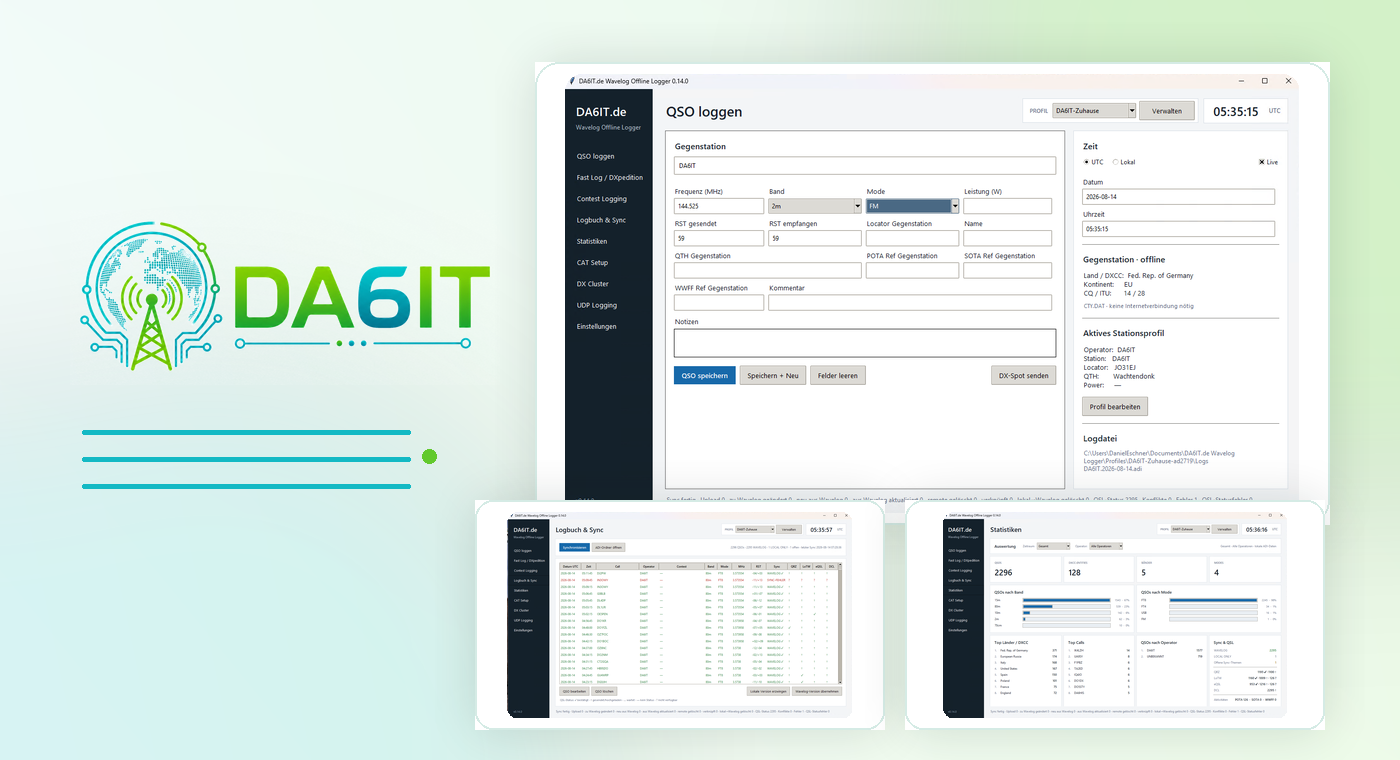
DA6IT.de Wavelog Offline Logger is designed as a true offline-first application: every QSO is stored locally in an ADI file first. Wavelog adds synchronization and online features, but it is never required for logging. That makes the application just as useful in the shack as it is portable, at field days or anywhere with an unreliable connection.
A complete logger without unnecessary clutter
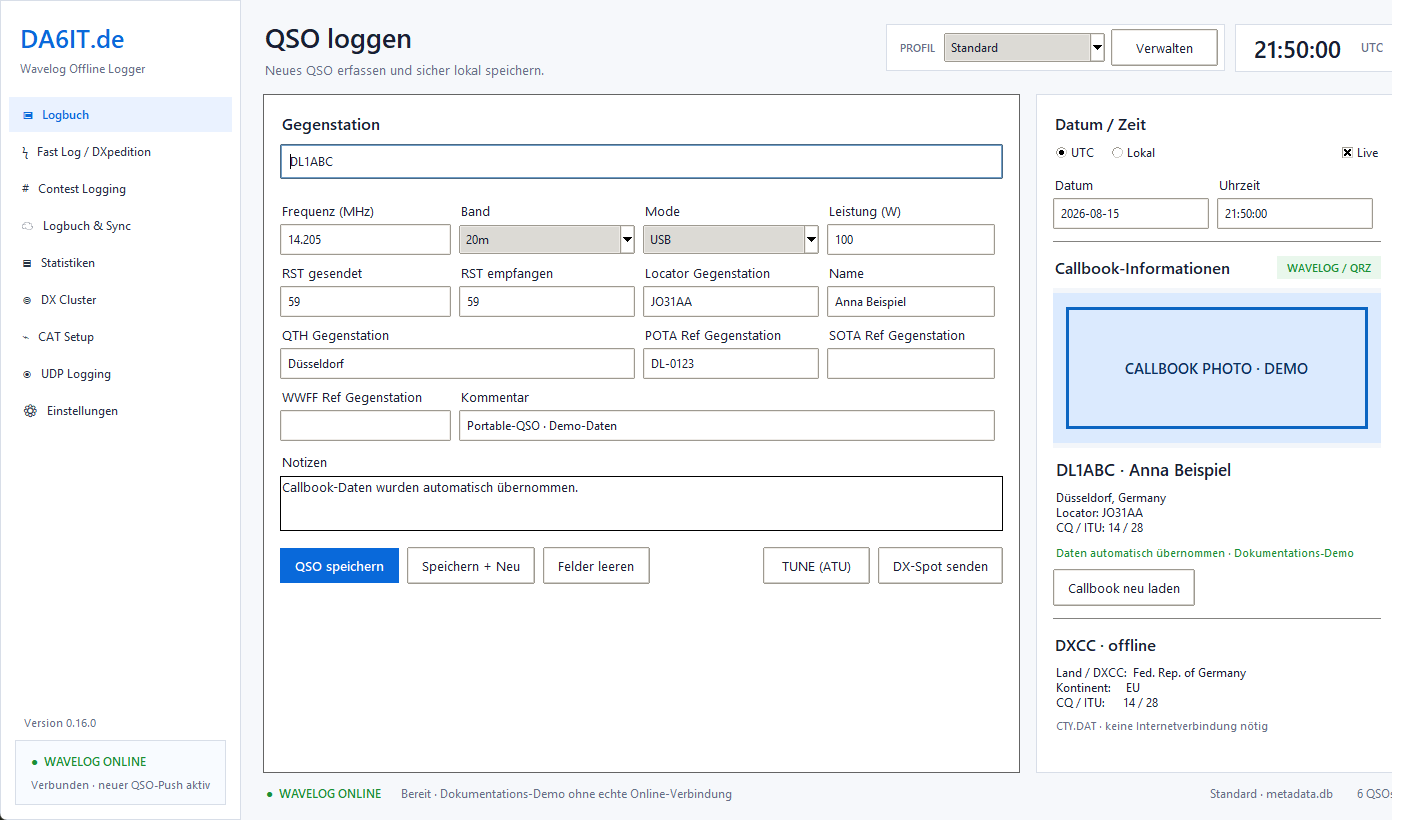
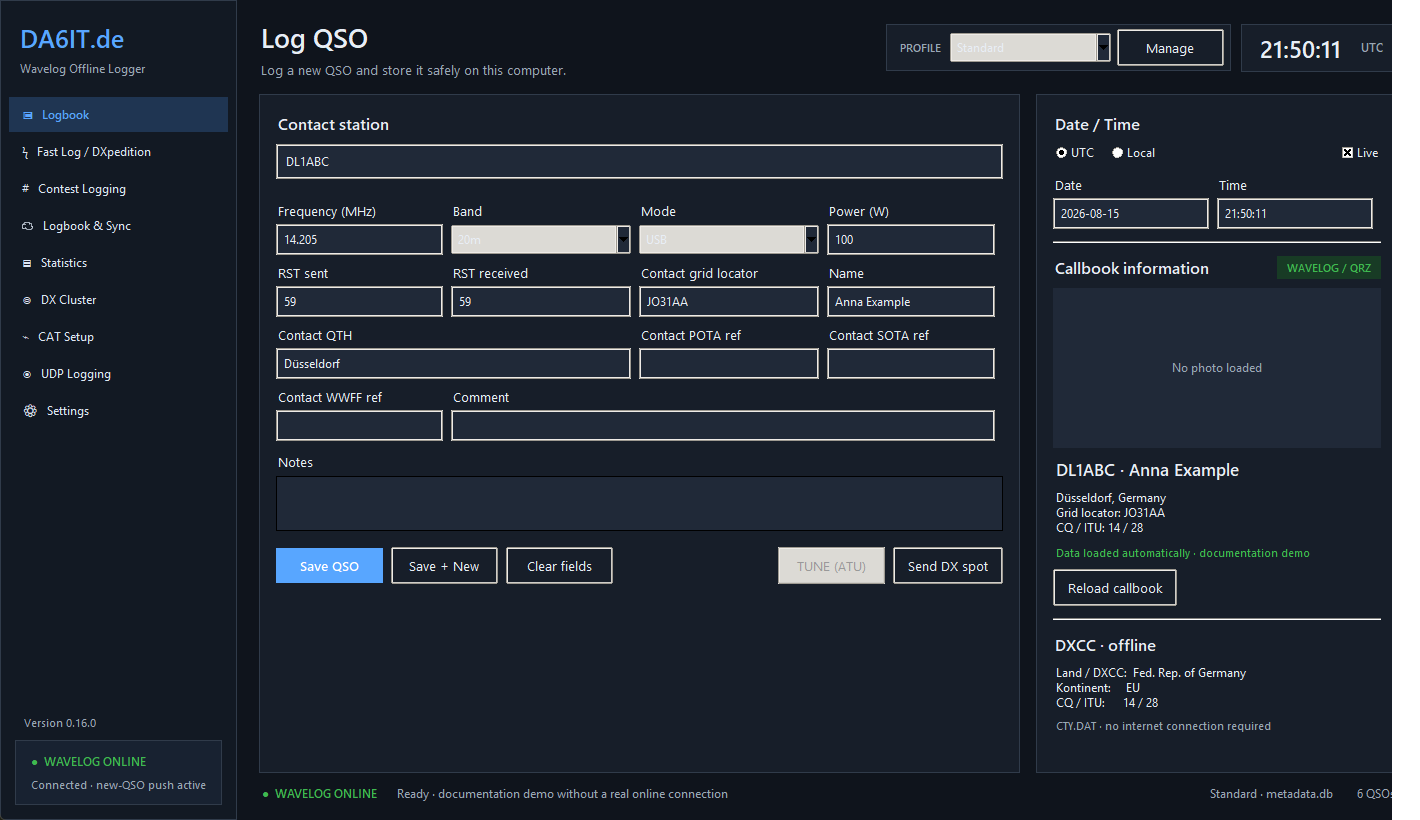
The normal QSO form keeps the important data in one place: callsign, band, mode, frequency, reports, power and activation references. With CAT enabled, frequency and mode can be taken from the radio; callbook and offline DXCC data add information about the other station. The core workflow stays intentionally simple: enter the QSO, save it, done. The local ADI file is updated immediately.
When one QSO suddenly turns into a pileup
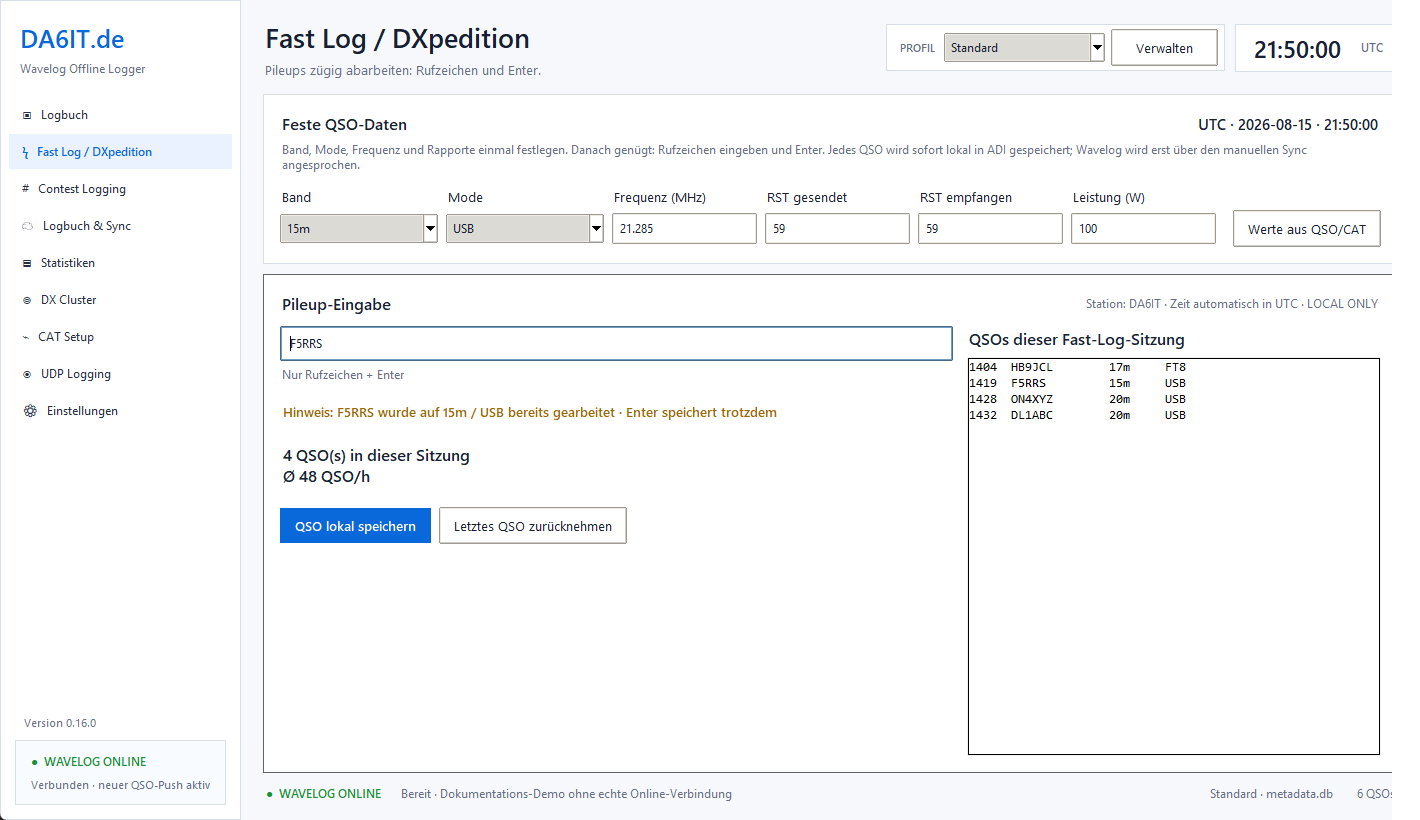
Fast Log is designed for activations, DXpeditions and high QSO rates. Repeating values such as band, mode, frequency, reports and power are set once; after that, callsign and Enter are enough. Session counters, QSO rate, recent entries and dupe checking keep things under control without slowing the operator down. Every QSO is still stored locally first.
Contest operation is built in
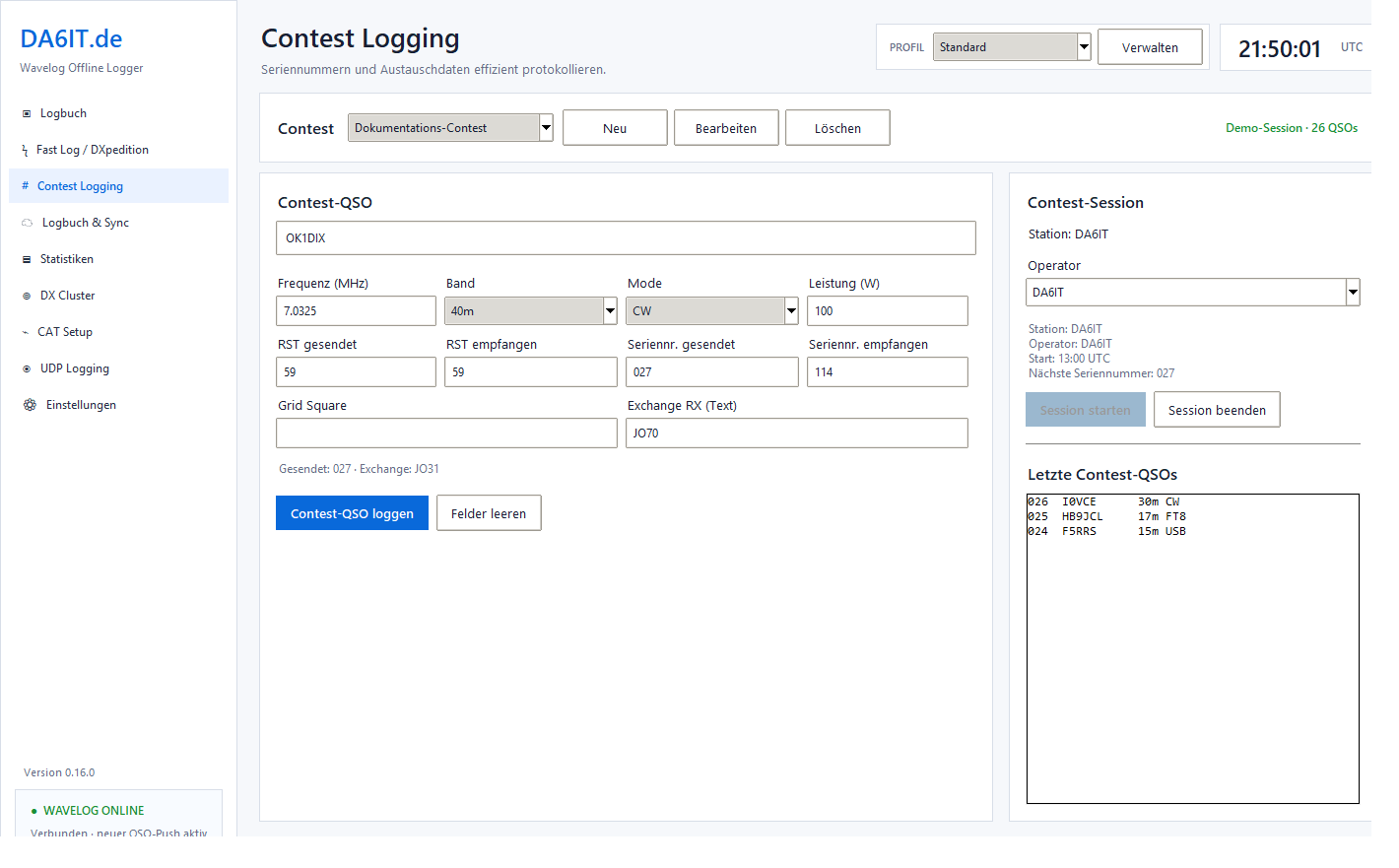
Contest presets, ADIF Contest-ID, serial numbers and exchanges turn the Offline Logger into a fast tool for contests and training. Contest QSOs are not stored in a proprietary side format; they remain part of the normal local ADI logbook and therefore use the same controlled Wavelog synchronization as every other QSO.
Visible synchronization state instead of a black box
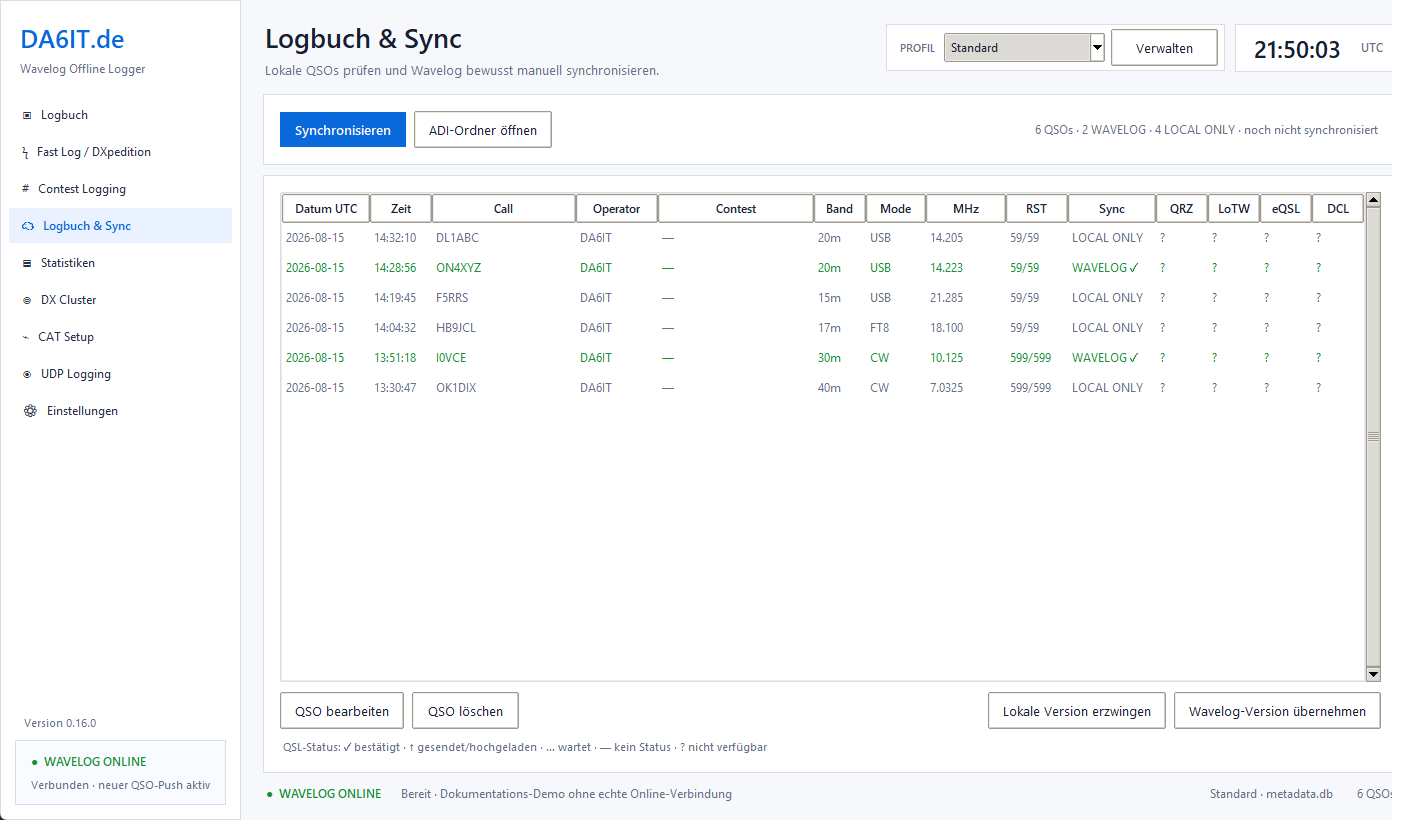
LOCAL ONLY, linked successfully with Wavelog, changed locally, conflict or sync error: the state of every QSO remains visible. New QSOs can be pushed automatically in online mode; edits and full reconciliation use the bidirectional sync. If the same QSO changes locally and in Wavelog, the user decides what should happen. Nothing is silently overwritten.
Synchronize on startup and shutdown if you want
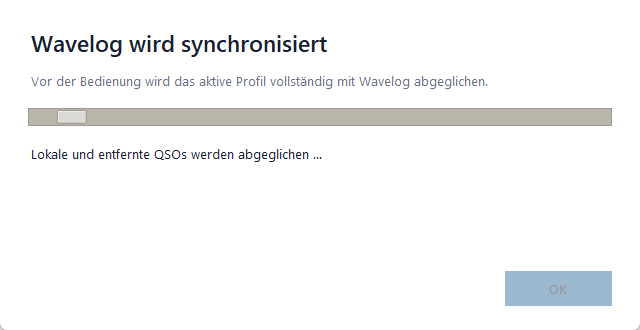
The full synchronization can run per profile when the application starts and/or exits. A dedicated status dialog shows what is happening. Local ADI data remains intact even if the remote system is unreachable or a sync fails. The goal is not maximum automation at any cost, but a robust workflow you can trust.
Callbook data where it actually helps during a QSO
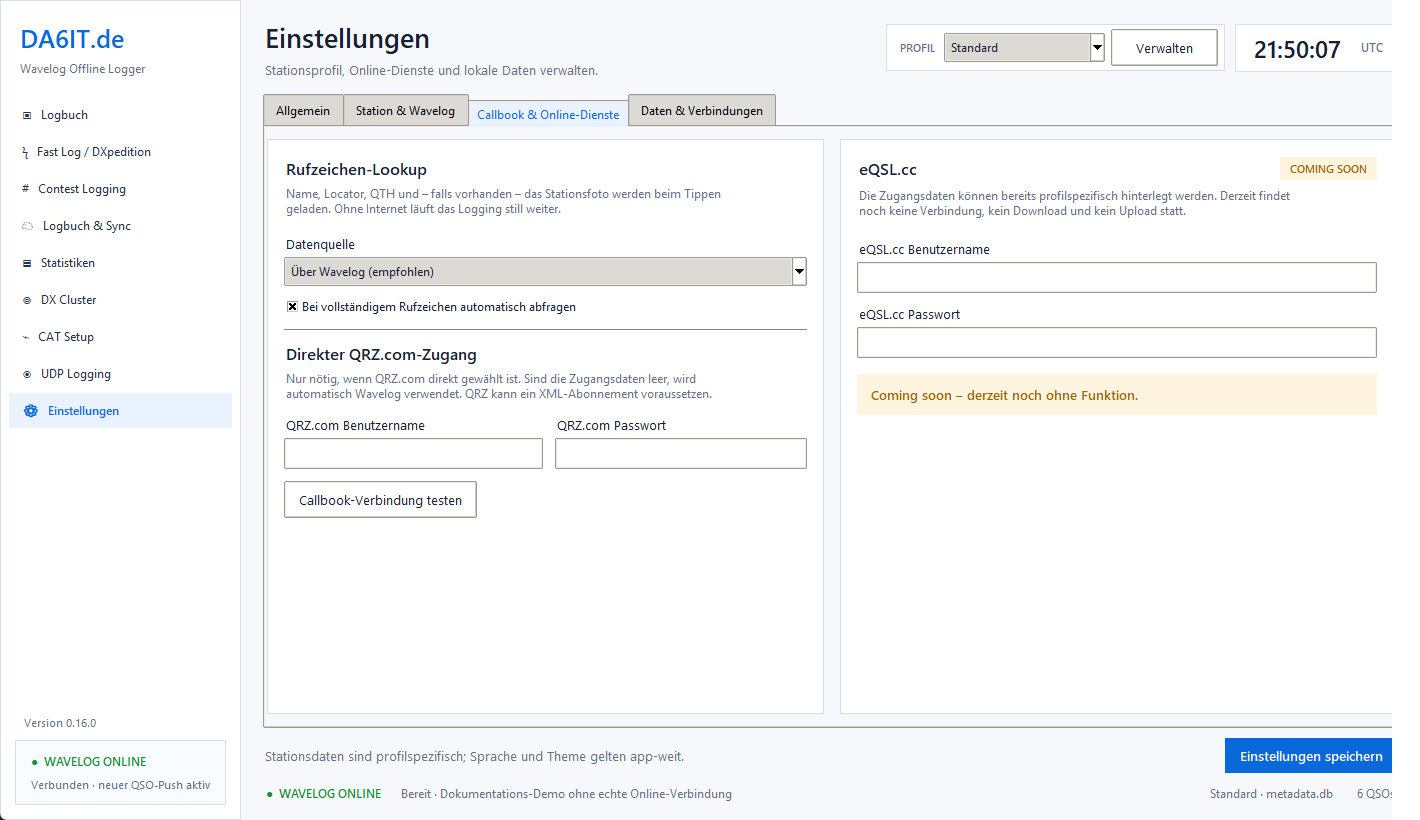
Callsign information can be queried through the configured Wavelog API or directly from QRZ.com. Successful results are cached locally; name, locator and QTH fill only empty or previously auto-filled fields. Manual entries always win. This gives you convenient online information without sacrificing offline capability.
Statistics directly from your local logbook
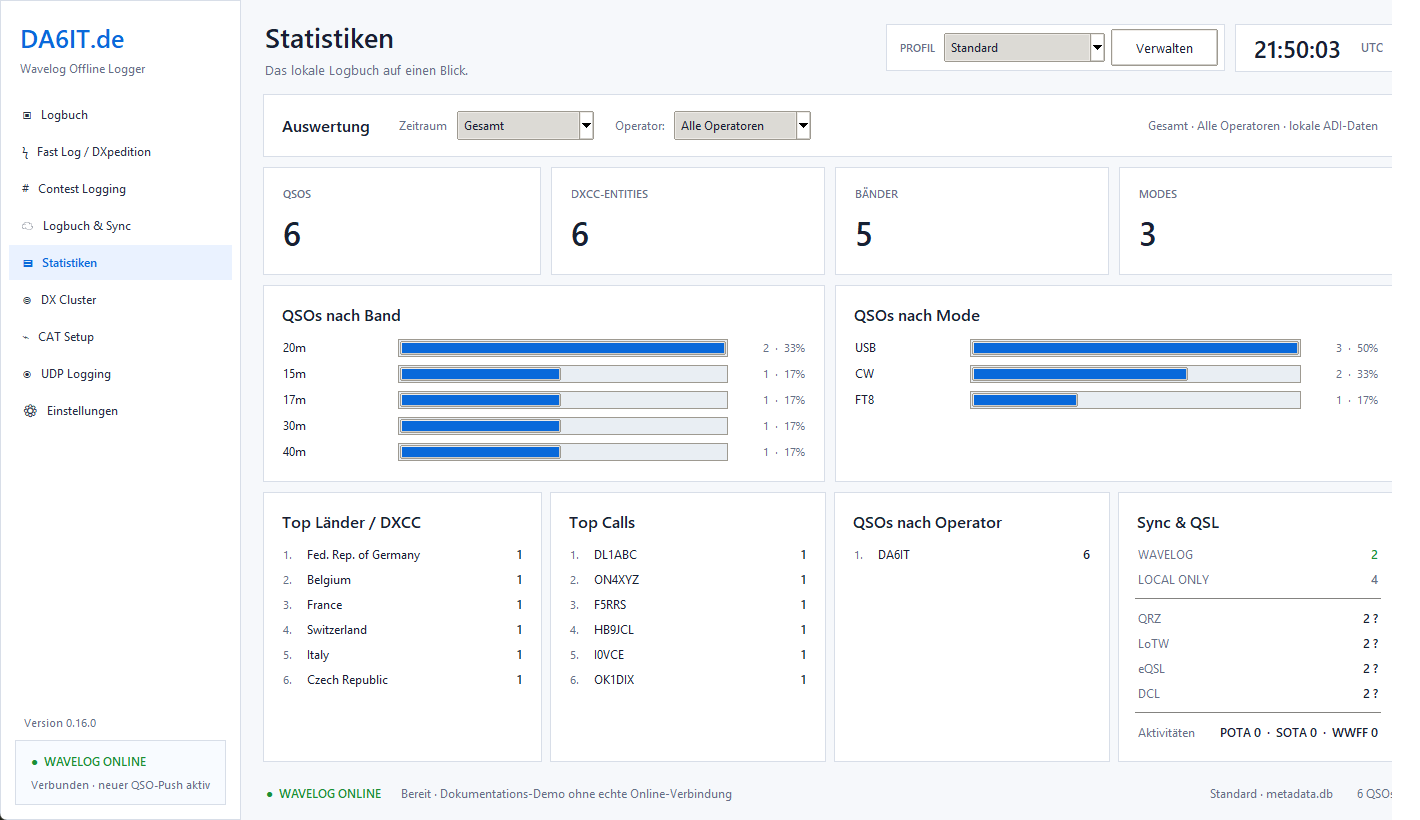
QSO count, DXCC entities, bands, modes, countries, frequent callsigns plus sync and QSL status are calculated from local data. Statistics therefore work completely without a Wavelog connection. Time range and operator can be filtered, which is useful after an activation, a contest or simply for a quick look at your own radio activity.
Live spots right next to the logbook
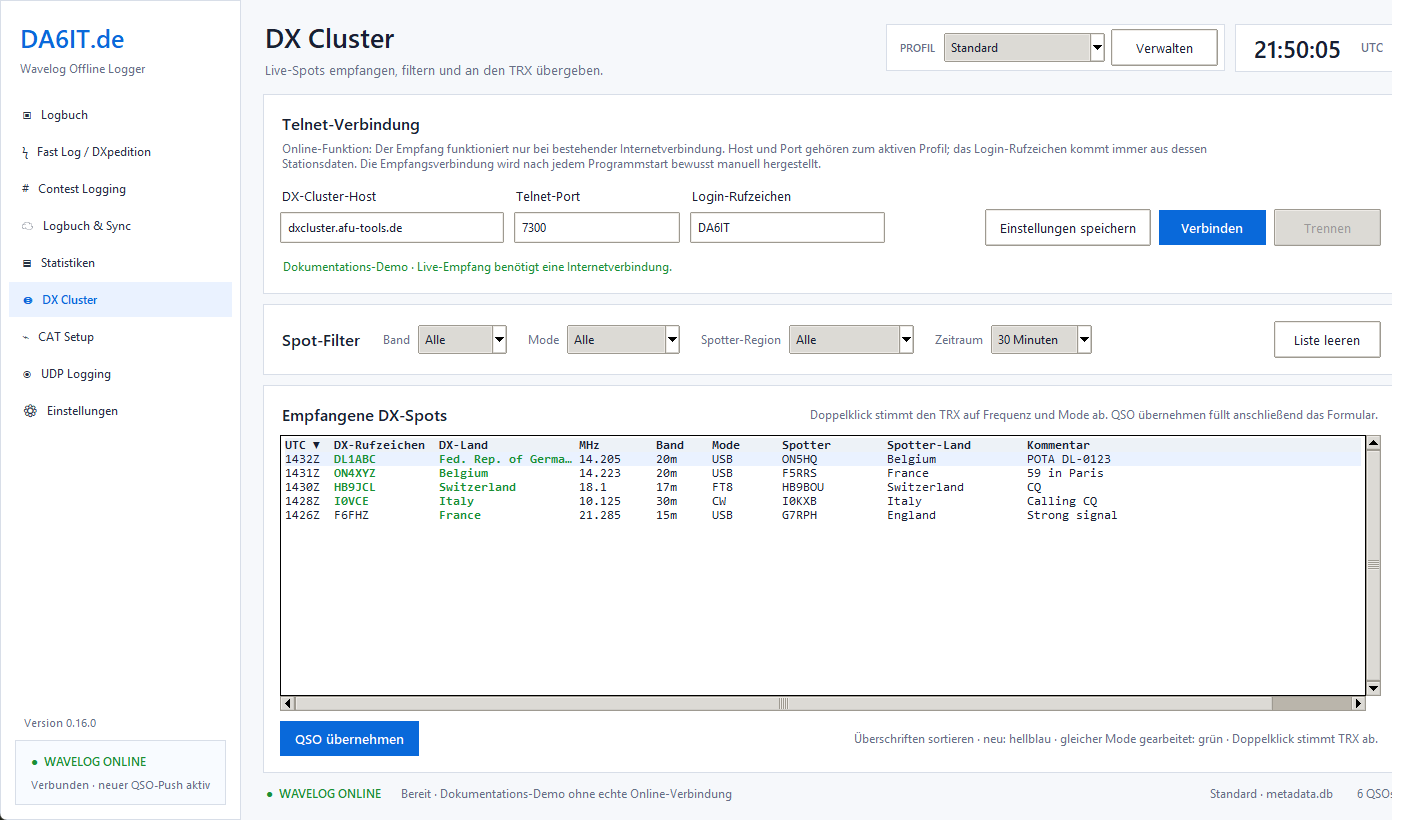
The integrated DX Cluster receives current spots and filters them by band, mode and spotter region. Countries are recognized offline as well; worked markers take band and mode into account. With CAT enabled, a double-click can tune the radio directly to frequency and mode, and interesting spots can be moved into the QSO form without detours.
Radio and logger work together
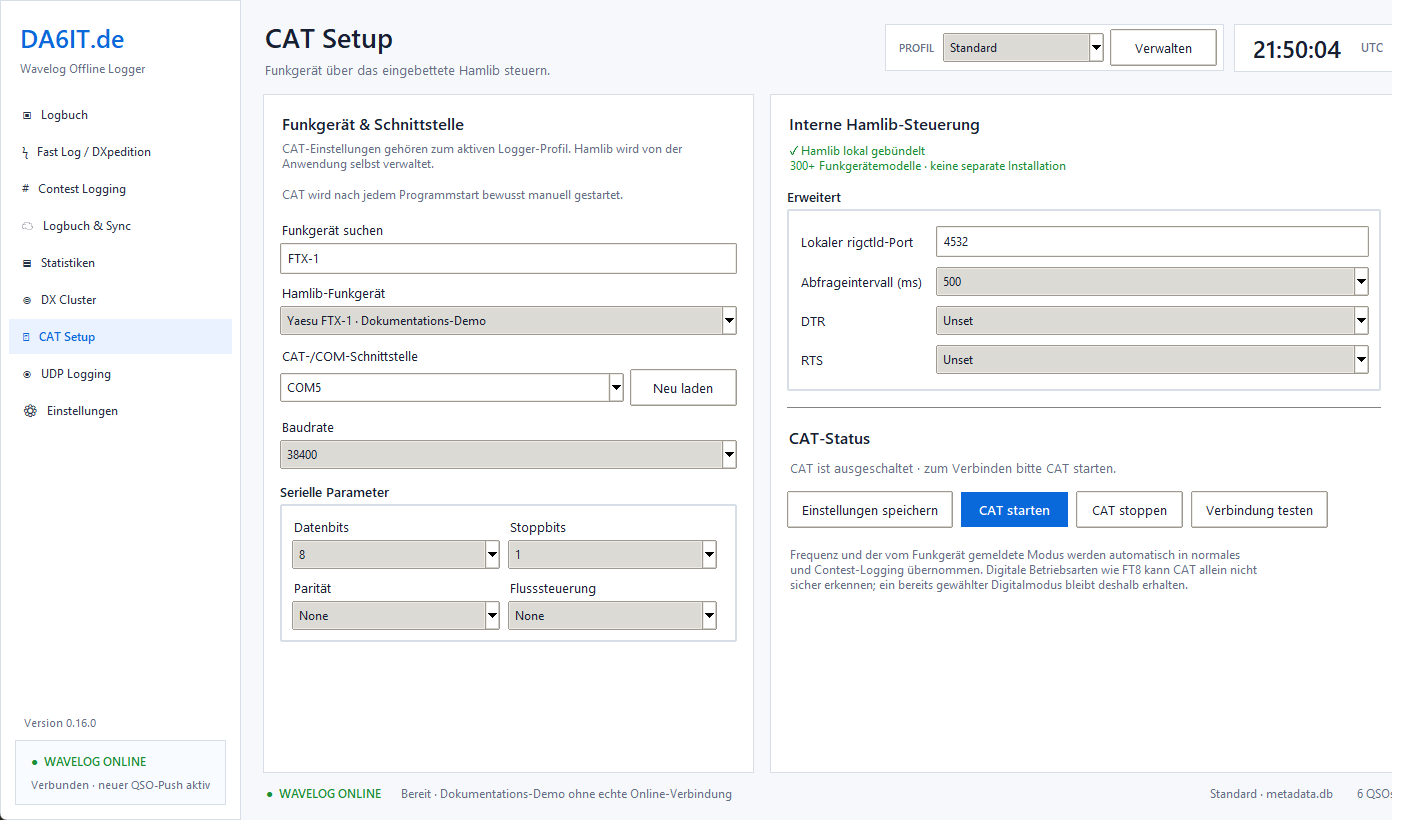
CAT control is based on Hamlib and supports serial as well as network connections. Frequency and mode feed normal logging, Fast Log and Contest Logging. The connection can be tested first and is started deliberately by the user. Supported radios can also use a TUNE/ATU command with a safety confirmation.
Digital modes fit into the same workflow
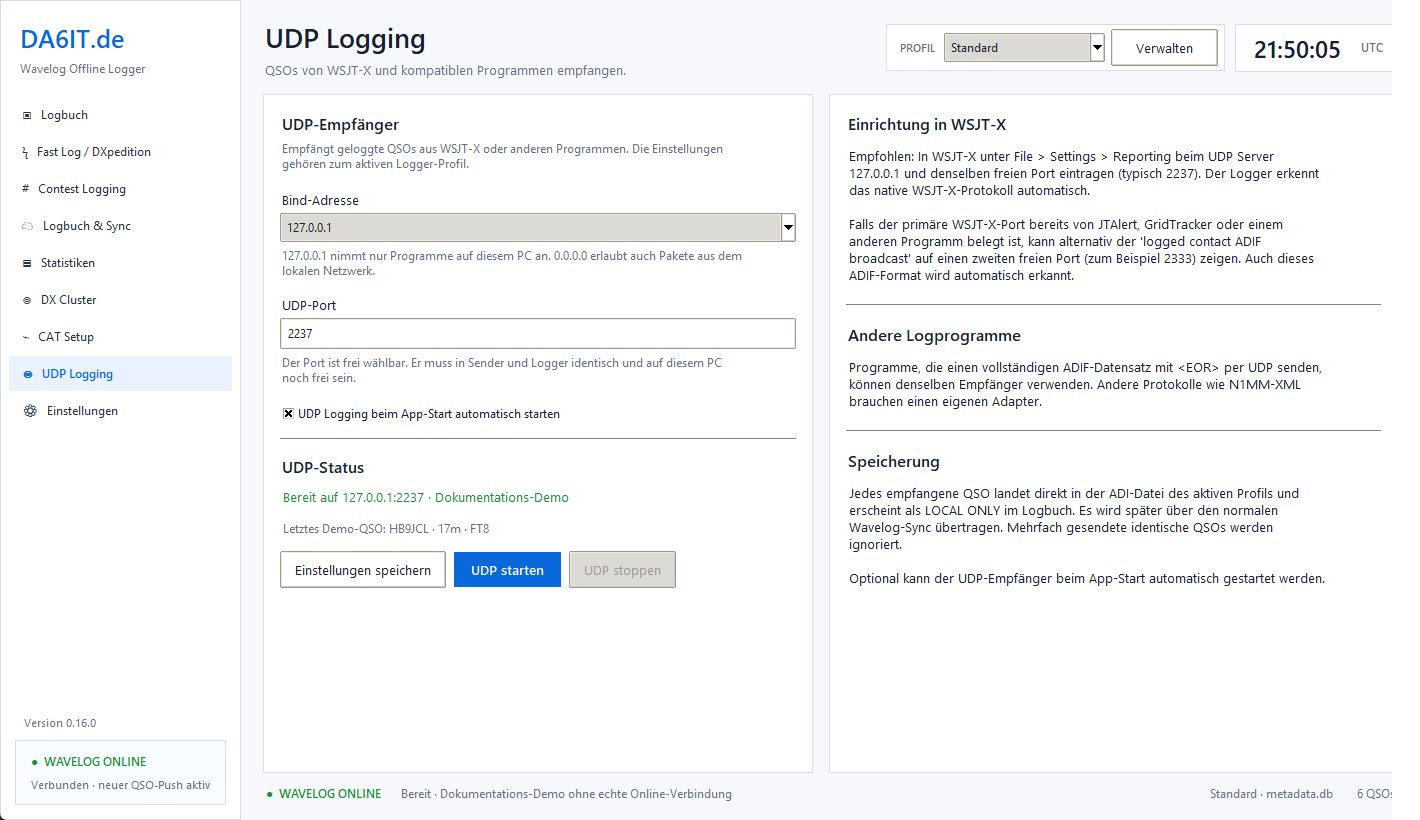
Logged contacts from WSJT-X can be received through the native UDP protocol. The logger also accepts complete ADIF records ending in <EOR> over UDP and protects against identical QSOs being sent multiple times. Incoming contacts are stored locally immediately as LOCAL ONLY and then handled by online mode or the full synchronization like any other QSO.
Keep multiple stations cleanly separated
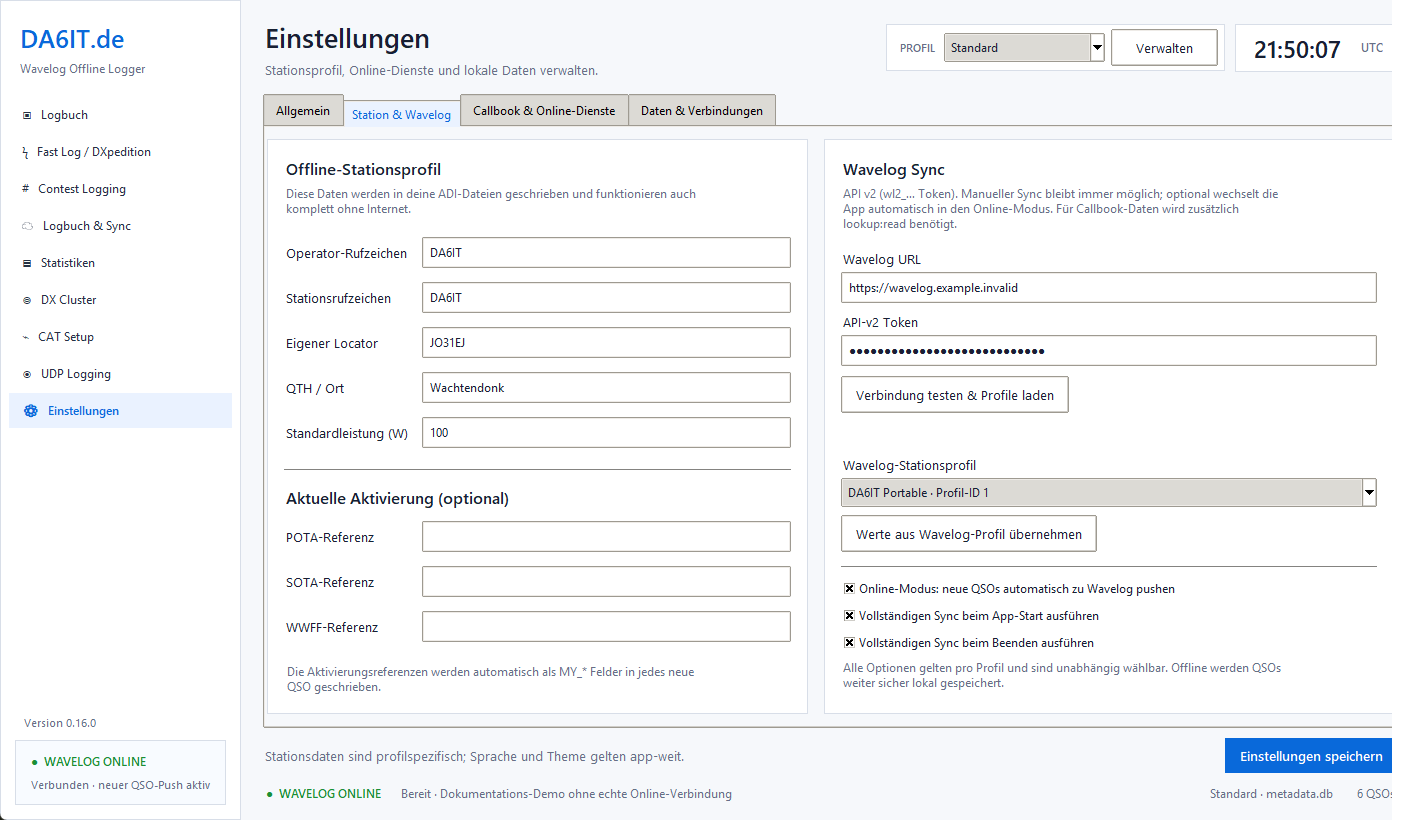
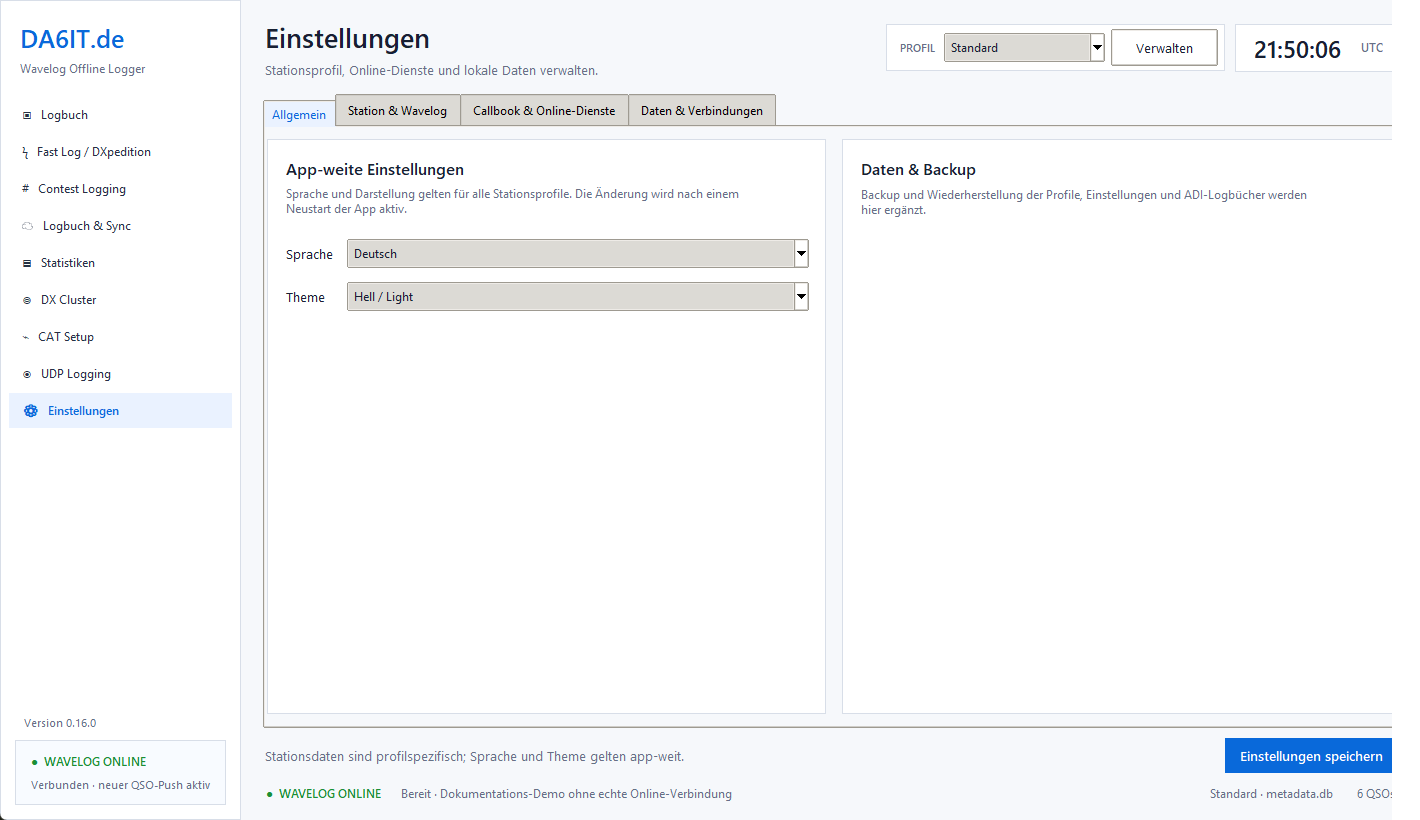
Station callsign, operator, Wavelog access, storage locations and other station-specific settings belong to the selected logger profile. One installation can therefore serve your own callsign, club operation or different portable setups. Language and theme are global application settings. Profiles stay independent, and deleting a local profile never deletes data in Wavelog.
ADI remains the portable and transparent foundation
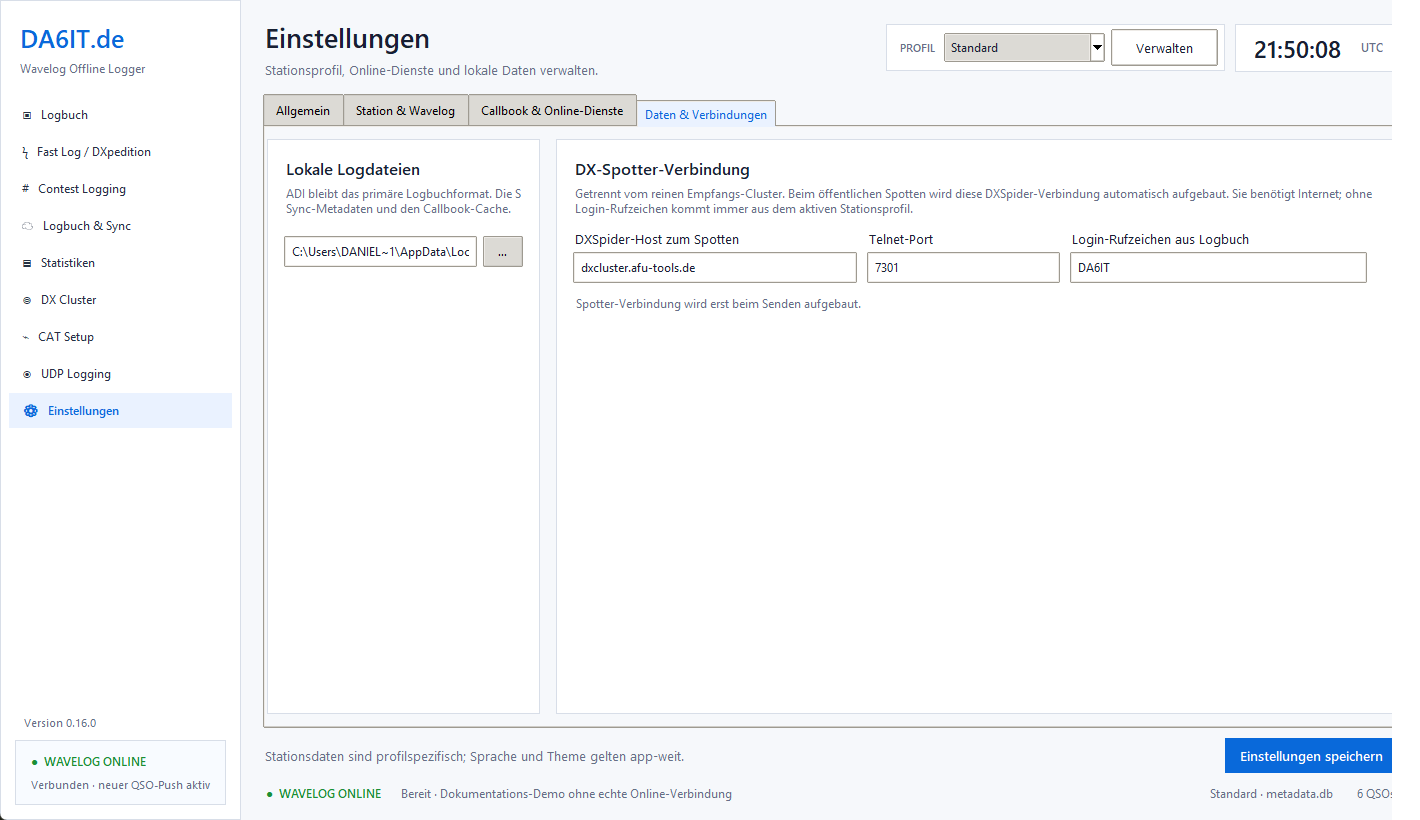
The location of the primary ADI logbook can be configured per profile. SQLite is used only for settings, index and sync metadata; the actual QSOs remain in ADI. A separate DXSpider connection for sending your own spots is configured here as well. It always remains clear where data is stored and which connection is used for which purpose.
The interface adapts to the way you operate
The logger is available in German and English and provides both light and dark themes. It is the same application with the same workflows, from normal QSO logging and Fast Log to CAT and synchronization. During long sessions or in a dark environment, the dark theme is more than just a cosmetic option.
Under the hood
Technology, operating modes and features working together inside the logger.
Download, source code & documentation
The logger is under active development. Download the latest release, browse the source code or read the detailed user guide.