
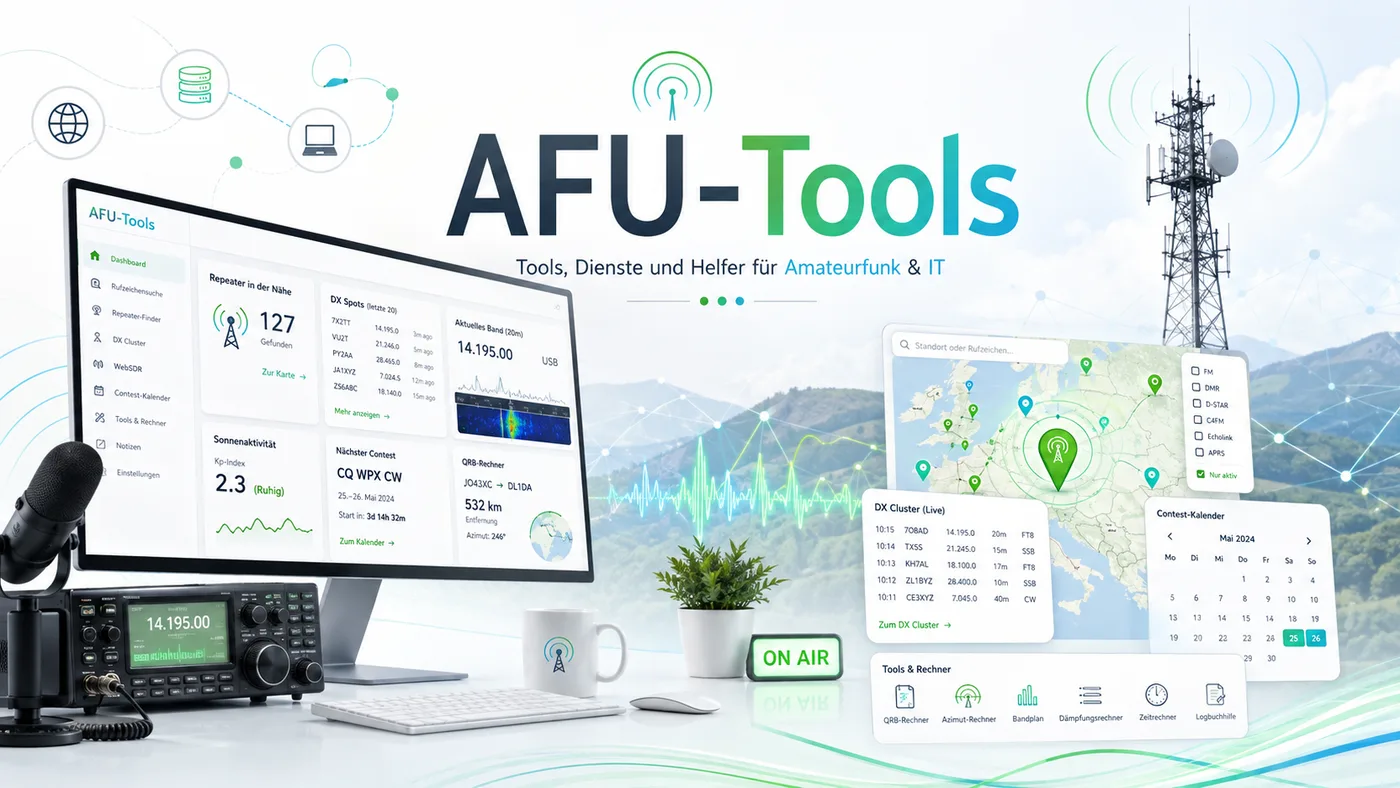
AFU-Tools is my growing collection of browser-based helpers for everyday amateur radio: live DX spots, contest dates, cable-loss calculations, QSL cards, POTA information and more. The goal is not to replace established radio software, but to make recurring tasks quick and accessible without a complicated local installation.
I build the individual tools around workflows that I actually use myself. That is why exports for programming software, direct links, useful filters and clear data views are more important to me than an overloaded interface. The collection keeps evolving whenever a practical problem is worth solving in the browser.
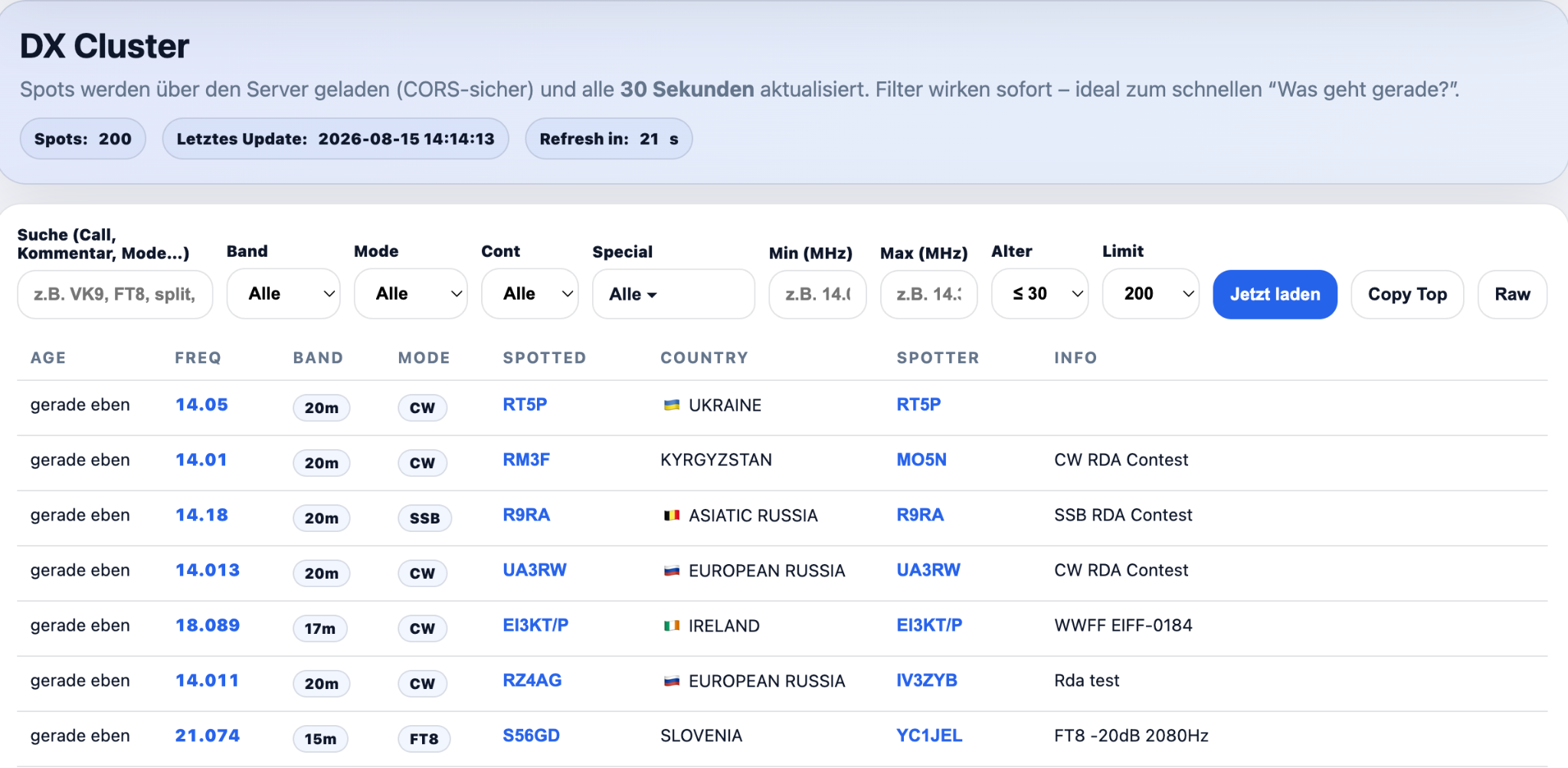
Live spots without unnecessary clutter
The DX Cluster combines current spots in a clear browser view and refreshes them automatically. Search, band, mode, continent, frequency range and age can be filtered directly; special spots such as POTA, SOTA, WWFF or RBN/Skimmer can be narrowed down as well.
Open DX Cluster ↗Find contests and add dates directly to your calendar
The contest calendar turns scattered dates into a compact monthly overview. Contests can be filtered by mode and displayed with start and end times, bands and additional detail sources. Where an iCal/ICS entry is available, it can be added directly to your own calendar.
Open Contest Calendar ↗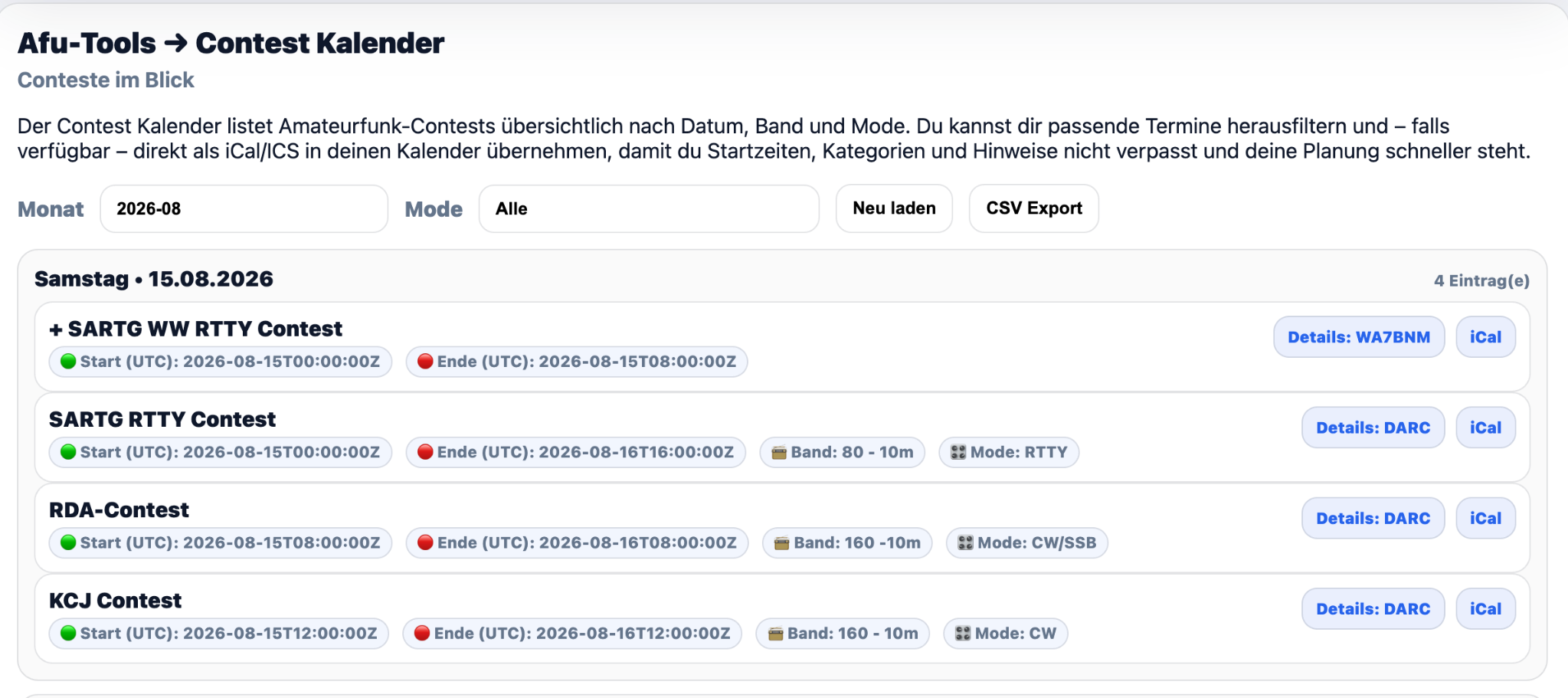
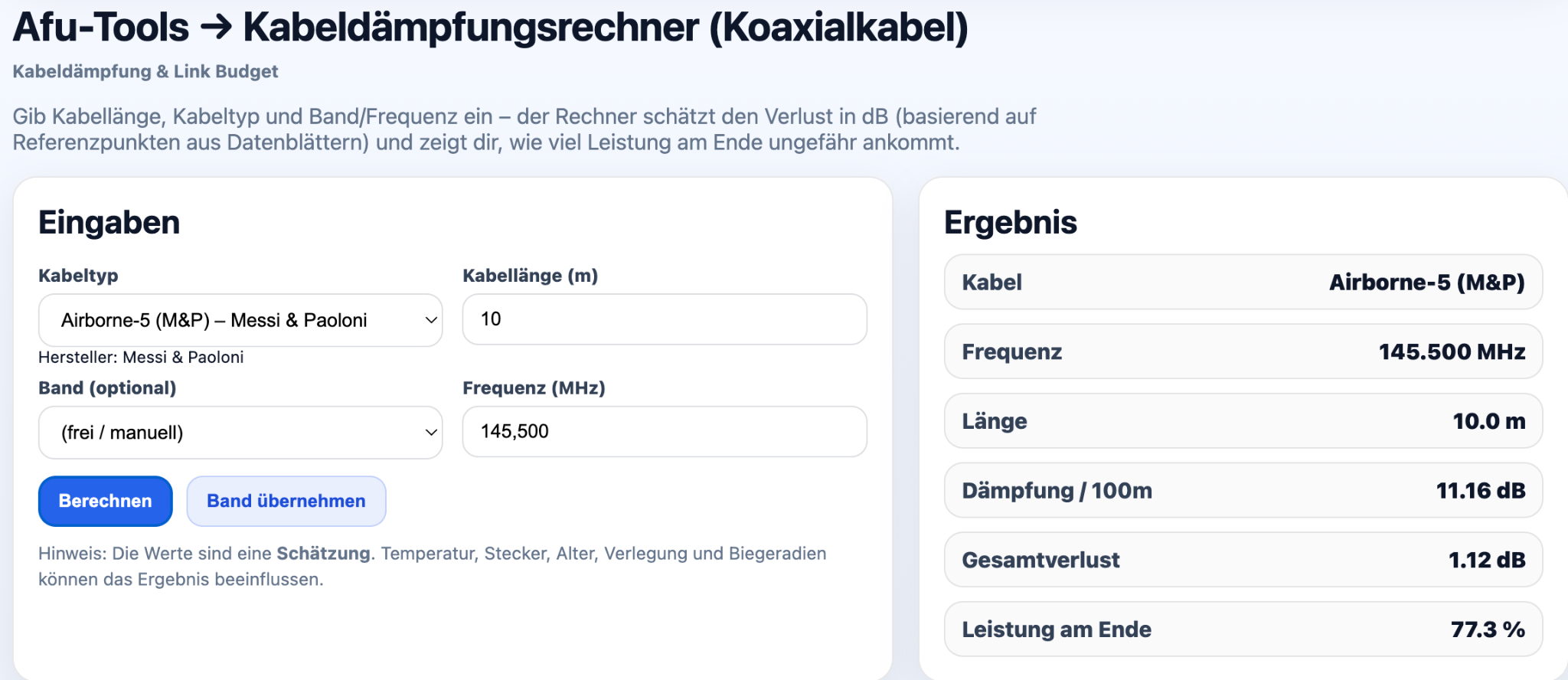
Estimate cable loss and link budget realistically
The cable loss calculator considers cable type, length and frequency and derives a practical estimate for attenuation, total loss and remaining power. A station link budget can also include connectors, additional losses and antenna gain.
Open Cable Calculator ↗Create your own QSL cards directly in the browser
The QSL Card Generator combines your own card design with real QSO data. Templates can be uploaded, fields positioned freely and contacts imported from ADIF, Wavelog or the AFU-Tools Logbook. Different profiles work well for POTA, SOTA, contests or normal QSOs.
Open QSL Card Generator ↗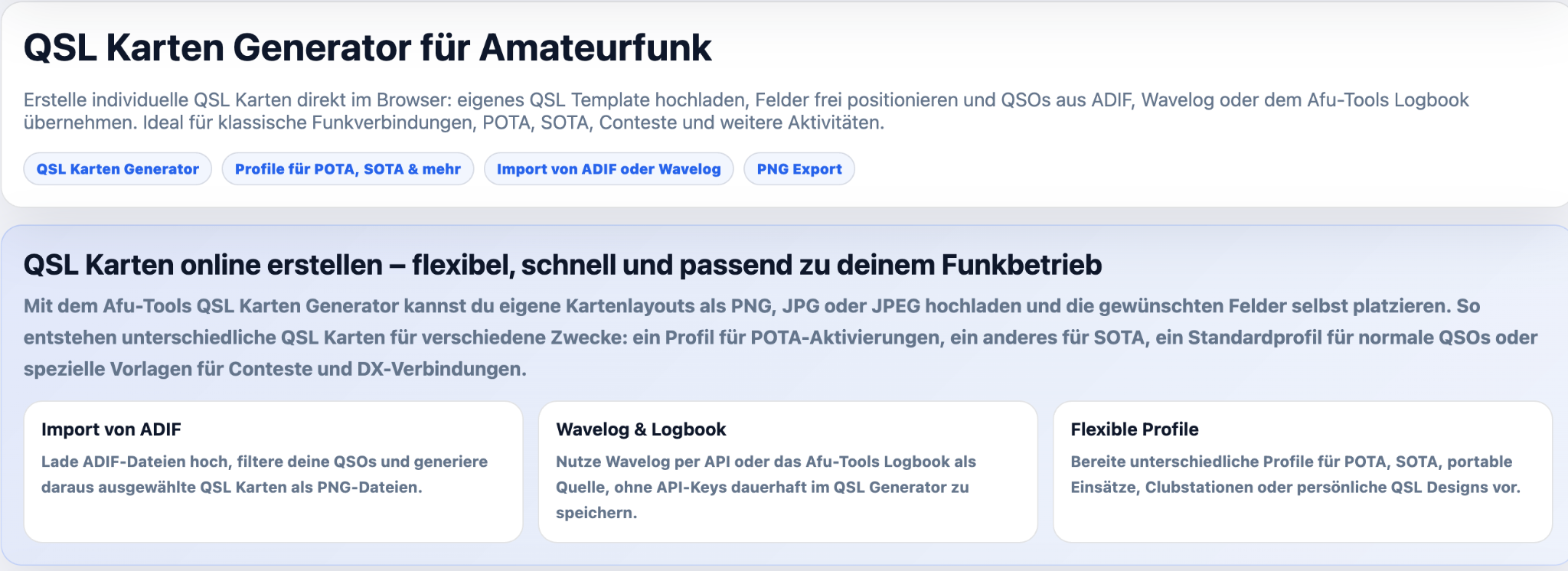
More tools on AFU-Tools
The collection keeps growing beyond the main areas. These tools are available directly as well:
WebSDR Finder
Find and open online SDRs by country, location, band and SDR software.
Open WebSDR Finder ↗POTA Spots
Follow current POTA activations in the browser and filter for the spots that matter to you.
Open POTA Spots ↗Logbook
The browser-based AFU-Tools logbook as another practical helper for everyday radio operation.
Open Logbook ↗What comes together in AFU-Tools
Practical radio workflows, data sources and small helpers that work directly in your browser.
Try AFU-Tools now
The tools run directly in the browser and are continuously expanded. Open the full collection or jump straight to one of the most frequently used areas.